

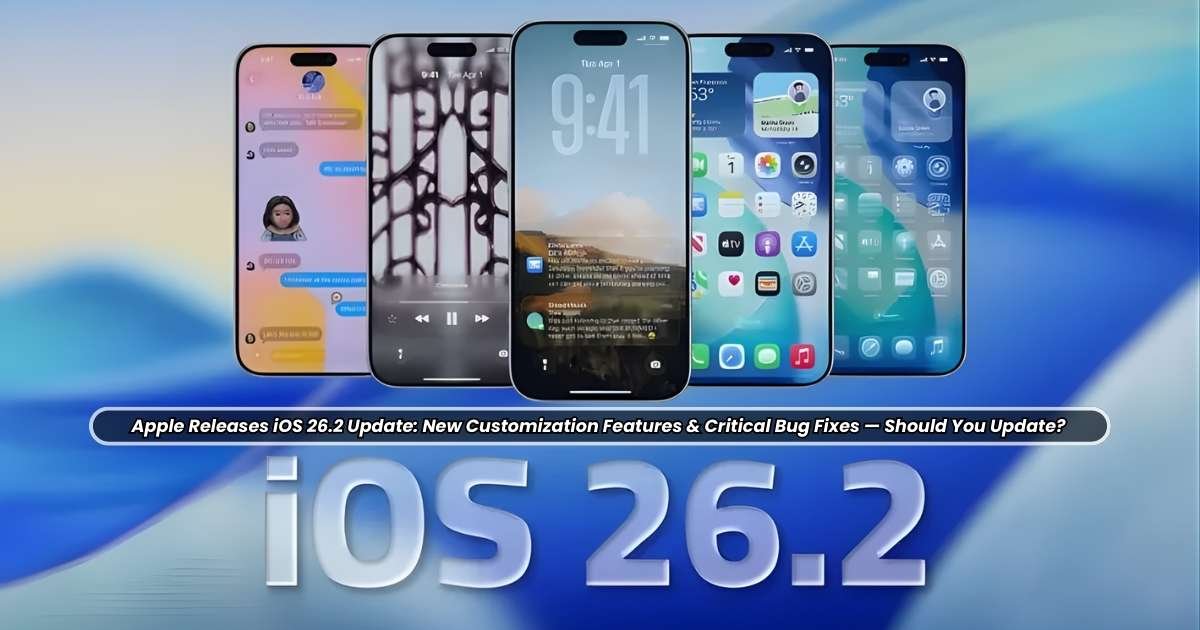
The release of iOS 26.2 on December 12, 2025, marks the second major point update to the iOS 26 operating system, which debuted in September. While point releases often focus purely on stability and maintenance, iOS 26.2 delivers a carefully curated blend of meaningful new customization options, significant productivity enhancements, and, most critically, a raft of security patches addressing vulnerabilities that Apple has deemed serious enough to warrant immediate attention. For the millions of iPhone users in India, where the device represents a considerable investment and a primary digital gateway, understanding the full scope of this update—from the cosmetic tweaks to the underlying security fixes—is paramount before hitting the “Install Now” button.
This comprehensive feature is an exhaustive breakdown of the iOS 26.2 update. It meticulously details the new features that allow for greater personalization, such as the enhancements to the divisive Liquid Glass interface. It also explores the major quality-of-life improvements affecting core apps like Reminders and Podcasts, which transform daily functionality. Most importantly, it scrutinizes the critical bug fixes and security updates, including patches for potential spyware and information disclosure vulnerabilities. By weighing these factors—the enhanced user experience against the absolute necessity of security—this analysis will provide a clear, informed recommendation on whether every Indian iPhone user should prioritize the iOS 26.2 update immediately. The answer, as is often the case with major security-focused updates, is less about novelty and more about digital self-preservation.
Personalization: Tweaking the Liquid Glass Aesthetic
The iOS 26 release introduced the polarizing Liquid Glass interface design—a translucent, fluid aesthetic that governs elements like the Lock Screen clock and system menus. While visually striking, the initial implementation was criticized by some users for being too opaque or distracting. iOS 26.2 directly addresses this feedback by granting users greater control over this signature design element.
The primary customization feature is the introduction of the Lock Screen Clock Opacity Slider.
-
The Feature: When the ‘Glass’ option is selected for the Lock Screen time display, a new slider appears in the customization menu.
-
User Control: Users can now manually adjust the level of translucency. Sliding left can make the clock almost entirely clear and razor-sharp against the wallpaper, improving readability. Sliding right retains the original, frosted, dreamily translucent appearance.
-
Consistency: This design refinement is also extended to other system elements, such as the Level tool within the Measure app, where the fluid, Liquid Glass aesthetic replaces the older, static indicators, creating a more cohesive look across the operating system.
This seemingly minor change holds significant weight, especially for a user base that often prioritizes clean, functional aesthetics. It signifies Apple’s commitment to iterative refinement based on user feedback, allowing users to keep the modernity of the Liquid Glass design without sacrificing readability or personal preference.
Crucial Productivity and Utility Enhancements
Beyond the visual refinements, iOS 26.2 delivers several high-impact functional updates that dramatically improve user interaction with core Apple services, enhancing both productivity and safety.
Reminders Get an Urgent Alarm System
One of the most requested features for the Reminders app has finally arrived: the ability to set a proper, intrusive alarm.
-
The Problem: Traditional Reminders notifications were too easy to dismiss or ignore, often failing for urgent, time-sensitive tasks.
-
The Solution: When setting a reminder with a due time, users can now toggle on an “Urgent” option. This triggers a full-screen, distinctive blue-themed alarm at the designated time, complete with options to Snooze or Stop/Complete the task, similar to the main Clock app alarm.
-
Priority Bypass: Crucially, these Urgent Reminders are designed to break through Focus Modes and device silence settings, ensuring critical tasks—like taking medication or submitting a time-sensitive document—are not missed.
-
Customization: Users can further customize the action of the alarm, choosing whether the primary option is to snooze the reminder or immediately mark it as complete.
AirDrop Codes: A New Layer of Security and Convenience
AirDrop, a ubiquitous file-sharing tool, receives a major functional and security overhaul aimed at balancing ease of use with privacy.
-
The Traditional Dilemma: Sharing files with a new acquaintance required either adding them as a permanent contact or temporarily setting AirDrop to ‘Everyone for 10 Minutes,’ a major security concern in crowded, public settings like airports or conferences.
-
The New System: iOS 26.2 introduces AirDrop Codes. Users can now generate a temporary, one-time code to share with a non-contact. Once the recipient enters the code, a secure, verifiable AirDrop connection is established between the two devices that remains valid for up to 30 days.
-
Enhanced Security: This allows users to keep their default AirDrop setting on ‘Contacts Only’ while still facilitating secure, verified sharing with known, but not permanent, contacts. This is a crucial improvement for professional and collaborative environments in India, such as offices and educational institutions.
Podcasts and Apple Music Boost
Entertainment and media consumption apps also receive meaningful updates:
-
Offline Lyrics in Apple Music: Music lovers in India often deal with patchy cellular service during travel or in remote areas. iOS 26.2 adds support for offline lyrics for downloaded songs, allowing users to view real-time lyrics without an internet connection.
-
AI-Generated Podcast Chapters: The Podcasts app now automatically generates chapter markers for episodes that lack them manually. This significantly improves navigation, allowing listeners to jump directly to specific segments of the episode.
-
Podcast Mentions: The app now intelligently recognizes and displays links to other podcasts or websites mentioned by the hosts directly within the player and transcript, boosting discoverability.
Gaming, Health, and Accessibility Upgrades
The update refines several other aspects of the iPhone experience, touching on specialized areas like gaming, health tracking, and accessibility.
Gaming Enhancements
The dedicated Games app receives several practical enhancements aimed at streamlining the gaming experience:
-
Library Filters: Users can now organize and find games more efficiently in their library with new filters, including sorting by category and size, alongside existing options.
-
Real-time Score Banners: For in-game challenges, new banners provide real-time updates when a new leader emerges, enhancing the competitive experience.
-
Controller Support: Improved support is added for popular connected controllers, such as Backbone and Razer devices, ensuring a smoother, more responsive mobile gaming experience.
Revised Sleep Scores
The Health app’s sleep tracking functionality receives a calibration update based on user feedback.
-
The Change: Apple has revised the thresholds for its Sleep Score categories in both iOS 26.2 and watchOS 26.2. The highest category is now labeled “Very High” (96–100) instead of the previous “Excellent,” and the ranges for ‘Very Low,’ ‘Low,’ and ‘OK’ have all been adjusted to be more stringent and reflective of genuine sleep quality metrics.
-
The Purpose: This refinement addresses previous user criticism that the score ranges were too broad or too positive, providing a more accurate and scientifically grounded assessment of sleep quality.
Accessibility and Safety
Two major features underscore Apple’s commitment to inclusion and emergency preparedness:
-
Screen Flash for Notifications: In addition to the existing LED flash alert option, users can now choose to have the entire device screen flash when a notification is received. This is a highly valuable visual cue for users who rely on silent alerts or have auditory processing limitations. This feature is located under Settings > Accessibility > Audio & Visual > Flash for Alerts.
-
Enhanced Safety Alerts (US Focus): While initially available primarily for U.S. users, this feature expands the capability of emergency alerts. It can inform users about imminent threats like floods and natural disasters with rich information, including a map of affected areas and links to additional safety guidance. As India frequently faces natural disasters, the potential future global rollout of such a detailed, localized alerting system would be a major safety advancement for Indian iPhone users.
Critical Bug Fixes and Security Patches
In the complex calculus of the “Should You Update?” question, security fixes often outweigh new features. iOS 26.2 is no exception, as it bundles crucial patches that address potentially exploitable vulnerabilities. Apple explicitly recommends that all users update their devices as soon as possible due to the nature of these fixes.
Addressing Spyware and Zero-Day Threats
The most compelling reason for an immediate update is the patch for two significant WebKit vulnerabilities.
-
The Vulnerabilities: Apple’s security documents reveal that iOS 26.2 patches multiple security issues, including two WebKit bugs that were confirmed to be actively exploited in the wild. WebKit is the engine behind Safari and all third-party browsers on iOS, making vulnerabilities in this component extremely serious.
-
The Impact: These bugs could have allowed a sophisticated attacker to execute arbitrary code (run malicious software) by processing maliciously crafted web content, potentially leading to unauthorized access to sensitive user data or unexpected device crashes.
-
Targeted Attacks: While Apple notes these exploits were likely used in “targeted attacks” aimed at a very small number of specific individuals (often associated with mercenary spyware), the mere existence of a public exploit chain makes all users running the vulnerable version of iOS 26 at risk. This is the definition of a critical bug fix.
Other Key Security and Stability Patches
In addition to the WebKit fixes, iOS 26.2 addresses numerous other stability and privacy issues:
Frequently Asked Questions (FAQ)
What new customization features are included in iOS 26.2?
The main new customization feature is the Lock Screen Clock Opacity Slider. This allows users to adjust the transparency of the clock when using the Liquid Glass aesthetic, making it clearer or more frosted according to their preference. New flash-for-notifications settings also offer a customization option for visual alerts.
Does iOS 26.2 fix any major bugs or security issues?
Yes, iOS 26.2 includes critical security patches. Most notably, it fixes multiple WebKit vulnerabilities that Apple states may have been actively exploited in the wild (zero-day attacks). These fixes are essential for protecting against potential spyware and information disclosure threats.
Should I update to iOS 26.2 immediately if I am currently running iOS 26.1?
Yes, the update is strongly recommended by Apple and security experts. Due to the presence of fixes for vulnerabilities that have been actively exploited, updating immediately is necessary for the security and integrity of your device and personal data.
Is iOS 26.2 available for all iPhone models?
iOS 26.2 is available for all iPhone models that support the initial iOS 26 release, which generally includes the iPhone 11 series and later, as well as the second-generation iPhone SE and newer models.
What are the main productivity improvements in the update?
The main productivity improvements include:
-
Alarms for Reminders: The ability to set an “Urgent” alarm that bypasses Focus Modes.
-
AirDrop Codes: A secure, one-time code system for file sharing with non-contacts.
-
Offline Apple Music Lyrics: Allows viewing lyrics for downloaded songs without an internet connection.
Conclusion: The Mandate to Update
The release of iOS 26.2 is not merely a cosmetic refresh; it is a vital stability and security update wrapped in a package of thoughtful new features.
The new customization options, particularly the Liquid Glass Opacity Slider and the refined Sleep Score categories, reflect Apple’s continuous effort to fine-tune the user experience based on real-world feedback. Productivity gains—from Urgent Reminders that genuinely cut through the noise to the ingenious and secure AirDrop Codes—will subtly but meaningfully improve the daily lives of iPhone users in India, particularly those managing complex professional schedules or sharing files in dynamic environments.
However, the definitive answer to the question, “Should You Update?” is an unequivocal yes. The inclusion of patches for actively exploited WebKit vulnerabilities, which represent the highest tier of security risk, makes this update non-optional. Delaying the installation of iOS 26.2 means willfully leaving the door open to sophisticated, targeted attacks that could compromise personal data, payment tokens, and the overall integrity of the device.
For every iPhone user in India, the most prudent course of action is to navigate to Settings > General > Software Update and install iOS 26.2 immediately. The benefit of better customization is a welcome bonus, but the necessity of digital safety is the true mandate of this release.
